Exercism - Game of Life
This post shows you how to get Game of Life exercise of Exercism.

Preparation
Before we click on our next exercise, let’s see what concepts of DART we need to consider
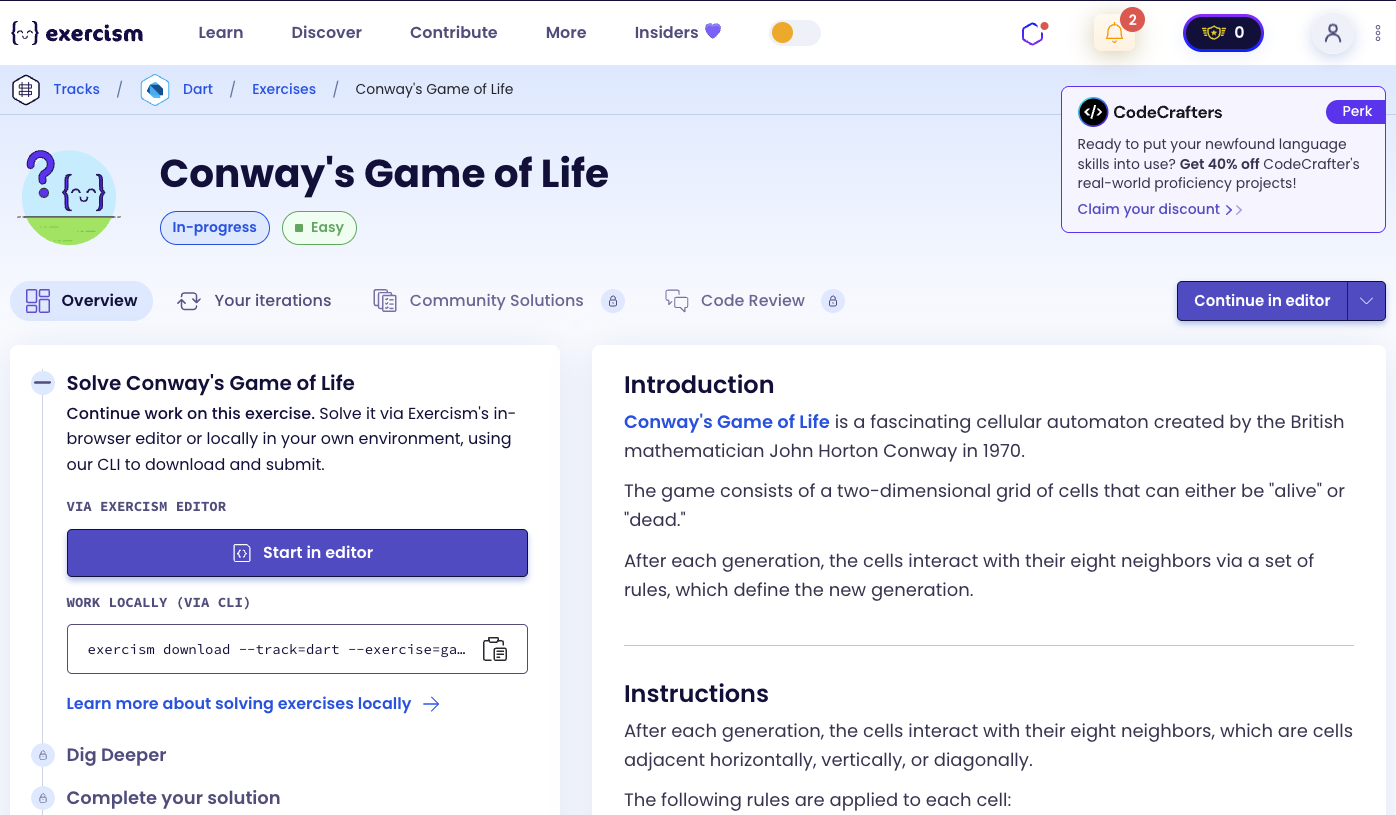
So we need to use the following concepts.
Nested Lists (2D Arrays)
A nested list is a list that contains other lists. This creates a two-dimensional structure, perfect for representing grids or matrices.
void main() {
  // 2D list representing a grid
  List<List<int>> grid = [
    [1, 0, 1],
    [0, 1, 0],
    [1, 0, 1],
  ];

  // Accessing elements
  print(grid[0][0]); // 1 (first row, first column)
  print(grid[1][2]); // 0 (second row, third column)

  // Iterating over rows
  for (var row in grid) {
    print(row);
  }
}
List Comprehensions
Dart supports list comprehensions using for loops inside list literals. This allows you to create lists dynamically.
void main() {
  // Create a list using comprehension
  List<int> numbers = [for (var i = 0; i < 5; i++) i * 2];
  print(numbers); // [0, 2, 4, 6, 8]

  // Nested comprehensions for 2D lists
  List<List<int>> matrix = [
    for (var i = 0; i < 3; i++)
      [for (var j = 0; j < 3; j++) i + j]
  ];
  print(matrix); // [[0, 1, 2], [1, 2, 3], [2, 3, 4]]
}
Spread Operator
The spread operator (...) allows you to expand a list into individual elements. This is useful for creating copies of lists.
void main() {
  List<int> original = [1, 2, 3];

  // Create a copy using spread operator
  List<int> copy = [...original];
  copy[0] = 99;

  print(original); // [1, 2, 3] (unchanged)
  print(copy); // [99, 2, 3]

  // Copy nested lists
  List<List<int>> matrix = [[1, 2], [3, 4]];
  List<List<int>> copyMatrix = matrix.map((row) => [...row]).toList();
  copyMatrix[0][0] = 99;

  print(matrix); // [[1, 2], [3, 4]] (unchanged)
  print(copyMatrix); // [[99, 2], [3, 4]]
}
Late Initialization
The late keyword allows you to declare a variable that will be initialized later, but before it’s used. This is useful for instance variables that are initialized in the constructor.
class Example {
  late List<int> data;

  Example(List<int> input) {
    data = [...input]; // Initialize in constructor
  }

  List<int> getData() => [...data];
}
Immediately Invoked Function Expression (IIFE)
An IIFE is a function that is executed immediately after it’s defined. In Dart, you can use anonymous functions with () at the end to execute them immediately.
void main() {
  // IIFE pattern
  int result = () {
    int a = 5;
    int b = 3;
    return a + b;
  }();

  print(result); // 8

  // Useful in list comprehensions
  List<int> values = [
    for (var i = 0; i < 3; i++)
      () {
        // Complex calculation
        return i * i;
      }()
  ];
  print(values); // [0, 1, 4]
}
List Methods: expand, where, map
These methods are powerful for working with collections:
expand()- Flattens a collection of collectionswhere()- Filters elements based on a conditionmap()- Transforms each element
void main() {
  // expand - flatten nested lists
  List<List<int>> nested = [[1, 2], [3, 4]];
  List<int> flat = nested.expand((list) => list).toList();
  print(flat); // [1, 2, 3, 4]

  // where - filter elements
  List<int> numbers = [1, 2, 3, 4, 5];
  List<int> evens = numbers.where((n) => n % 2 == 0).toList();
  print(evens); // [2, 4]

  // map - transform elements
  List<int> doubled = numbers.map((n) => n * 2).toList();
  print(doubled); // [2, 4, 6, 8, 10]
}
Boundary Checking
When working with 2D grids, it’s important to check boundaries to avoid index out of bounds errors.
void main() {
  List<List<int>> grid = [
    [1, 0, 1],
    [0, 1, 0],
  ];

  int rows = grid.length;
  int cols = grid[0].length;

  // Check if coordinates are valid
  bool isValid(int i, int j) {
    return i >= 0 && i < rows && j >= 0 && j < cols;
  }

  print(isValid(0, 0)); // true
  print(isValid(2, 0)); // false (out of bounds)
}
Introduction
Conway’s Game of Life is a fascinating cellular automaton created by the British mathematician John Horton Conway in 1970.
The game consists of a two-dimensional grid of cells that can either be “alive” or “dead.”
After each generation, the cells interact with their eight neighbors via a set of rules, which define the new generation.
Instructions
After each generation, the cells interact with their eight neighbors, which are cells adjacent horizontally, vertically, or diagonally.
The following rules are applied to each cell:
- Any live cell with two or three live neighbors lives on.
- Any dead cell with exactly three live neighbors becomes a live cell.
- All other cells die or stay dead.
Given a matrix of 1s and 0s (corresponding to live and dead cells), apply the rules to each cell, and return the next generation.
What is Conway’s Game of Life?
Conway’s Game of Life, also known simply as Life, is a cellular automaton devised by the British mathematician John Horton Conway in 1970. It is a zero-player game, meaning that its evolution is determined by its initial state, requiring no further input. One interacts with the Game of Life by creating an initial configuration and observing how it evolves.
The game is Turing complete and can simulate a universal constructor or any other Turing machine.
— Wikipedia
How does the Game of Life work?
To compute the next generation:
- For each cell in the grid, count its live neighbors (the 8 adjacent cells: horizontally, vertically, and diagonally)
- Apply the rules:
- If a cell is alive (1) and has 2 or 3 live neighbors → it stays alive (1)
- If a cell is dead (0) and has exactly 3 live neighbors → it becomes alive (1)
- Otherwise → the cell dies or stays dead (0)
- Return the new generation
For example, with a 3x3 grid:
Initial:        Next Generation:
1 0 1           0 1 0
0 1 0    →      1 1 1
1 0 1           0 1 0
The center cell has 4 live neighbors, so it dies. The corner cells each have 2-3 neighbors, so they follow the rules accordingly.
Solution
class GameOfLife {
  late List<List<int>> _matrix;

  GameOfLife(List<List<int>> input) {
    _matrix = input.map((row) => [...row]).toList();
  }

  List<List<int>> matrix() => _matrix.map((row) => [...row]).toList();

  void tick() {
    if (_matrix.isEmpty || _matrix[0].isEmpty) return;

    _matrix = [
      for (var i = 0; i < _matrix.length; i++)
        [
          for (var j = 0; j < _matrix[0].length; j++)
            () {
              final n = [-1, 0, 1].expand((di) => [-1, 0, 1]
                .where((dj) => di != 0 || dj != 0)
                .where((dj) => i + di >= 0 && i + di < _matrix.length &&
                              j + dj >= 0 && j + dj < _matrix[0].length)
                .where((dj) => _matrix[i + di][j + dj] == 1)).length;
              return n == 3 || (n == 2 && _matrix[i][j] == 1) ? 1 : 0;
            }()
        ]
    ];
  }
}
Let’s break down the solution:
late List<List<int>> _matrix- Declares a 2D list that will be initialized in the constructorGameOfLife(List<List<int>> input)- Constructor that creates a deep copy of the input matrix usingmap()and the spread operatormatrix()- Returns a deep copy of the current matrix statetick()- Computes the next generation:- First checks if the matrix is empty
- Uses nested list comprehensions to create the new generation
- For each cell at position
(i, j):- Uses an IIFE to compute the new cell value
- Counts live neighbors using
expand()andwhere():[-1, 0, 1]represents the possible row/column offsets for neighborsexpand((di) => [-1, 0, 1]...)creates all 9 possible neighbor positions.where((dj) => di != 0 || dj != 0)excludes the cell itself (0, 0 offset).where(...)checks if the neighbor position is within bounds.where(...)checks if the neighbor is alive (equals 1).lengthcounts how many neighbors are alive
- Applies the Game of Life rules:
- If
n == 3(exactly 3 neighbors) → cell becomes/stays alive - If
n == 2and the cell is currently alive → cell stays alive - Otherwise → cell dies or stays dead
- If
The solution elegantly uses list comprehensions and functional programming techniques to compute the next generation in a concise way, while maintaining immutability by creating a new matrix rather than modifying the existing one.
A video tutorial for this exercise is coming soon! In the meantime, check out my YouTube channel for more Dart and Flutter tutorials. 😉
Visit My YouTube Channel