Exercism - Reverse String
This post shows you how to get Reverse String exercise of Exercism.

Preparation
Before we click on our next exercise, let’s see what concepts of DART we need to consider
So we need to use the following concepts.
String Split Method
The split() method divides a string into a list of substrings. When called with an empty string '', it splits the string into individual characters.
void main() {
  String word = "stressed";

  // Split into individual characters
  List<String> chars = word.split('');
  print(chars); // [s, t, r, e, s, s, e, d]

  // Each character becomes a separate element
  print(chars[0]); // 's'
  print(chars[1]); // 't'
  print(chars[7]); // 'd'
}
Reversed Property
The reversed property returns an iterable containing the elements of a list in reverse order. It doesn’t modify the original list.
void main() {
  List<String> chars = ['s', 't', 'r', 'e', 's', 's', 'e', 'd'];

  // Get reversed iterable
  var reversed = chars.reversed;
  print(reversed); // (d, e, s, s, e, r, t, s)

  // Convert to list
  List<String> reversedList = chars.reversed.toList();
  print(reversedList); // [d, e, s, s, e, r, t, s]

  // Original list unchanged
  print(chars); // [s, t, r, e, s, s, e, d]
}
String Join Method
The join() method combines all elements of a list into a single string, with an optional separator between elements.
void main() {
  List<String> chars = ['d', 'e', 's', 's', 'e', 'r', 't', 's'];

  // Join without separator
  String word = chars.join();
  print(word); // "desserts"

  // Join with separator
  String withSpace = chars.join(' ');
  print(withSpace); // "d e s s e r t s"

  // Join reversed list
  List<String> original = ['s', 't', 'r', 'e', 's', 's', 'e', 'd'];
  String reversed = original.reversed.join();
  print(reversed); // "desserts"
}
Method Chaining
Method chaining allows you to call multiple methods in sequence. Each method operates on the result of the previous one, creating a pipeline of transformations.
void main() {
  String word = "stressed";

  // Chain multiple operations
  String reversed = word
      .split('')        // ['s', 't', 'r', 'e', 's', 's', 'e', 'd']
      .reversed         // (d, e, s, s, e, r, t, s)
      .join();          // "desserts"

  print(reversed); // "desserts"

  // One-liner
  String result = word.split('').reversed.join();
  print(result); // "desserts"
}
Expression Bodied Methods
Expression bodied methods use the => syntax to provide a concise way to write methods that return a single expression.
class StringUtils {
  // Regular method
  String reverse(String word) {
    return word.split('').reversed.join();
  }

  // Expression bodied method (shorter)
  String reverseShort(String word) => word.split('').reversed.join();

  // Both do the same thing
}
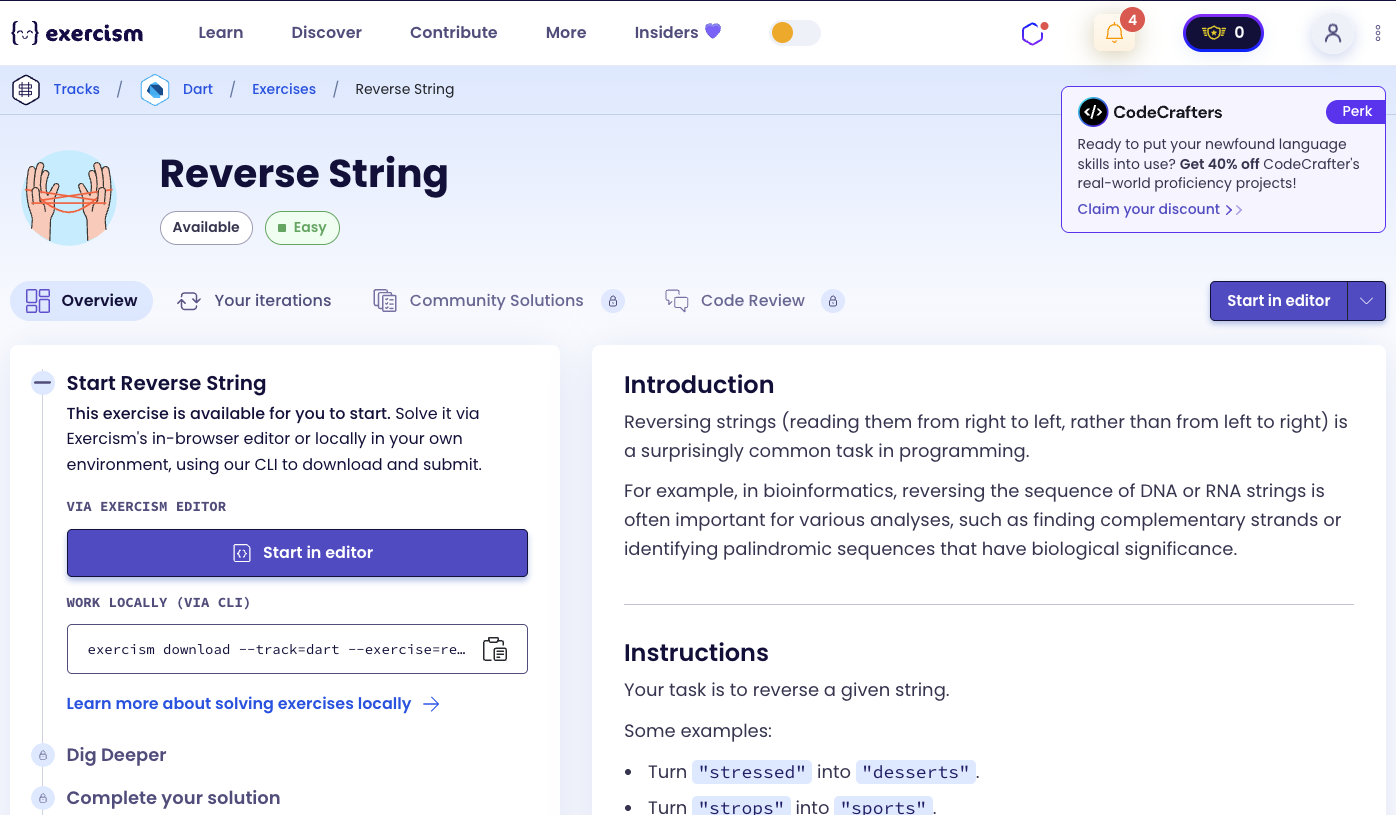
Introduction
Reversing strings (reading them from right to left, rather than from left to right) is a surprisingly common task in programming.
For example, in bioinformatics, reversing the sequence of DNA or RNA strings is often important for various analyses, such as finding complementary strands or identifying palindromic sequences that have biological significance.
Instructions
Your task is to reverse a given string.
Examples
- Turn “stressed” into “desserts”.
- Turn “strops” into “sports”.
- Turn “racecar” into “racecar”.
What is string reversal?
String reversal is the process of reading a string from right to left instead of left to right. It’s a fundamental operation in computer science and has applications in many domains, including:
- Bioinformatics: Analyzing DNA/RNA sequences, finding complementary strands
- Text processing: Palindrome detection, text manipulation
- Cryptography: Some encryption algorithms use string reversal
- Data structures: Reversing linked lists, stacks, etc.
— Computer Science
How can we reverse a string?
To reverse a string:
- Split into characters: Convert the string into a list of individual characters
- Reverse the list: Use the
reversedproperty to get the characters in reverse order - Join back together: Combine the reversed characters back into a single string
The key insight is using method chaining to perform all three operations in sequence: split → reverse → join.
For example, with “stressed”:
- Split: [‘s’, ‘t’, ‘r’, ‘e’, ‘s’, ‘s’, ‘e’, ‘d’]
- Reverse: [‘d’, ‘e’, ‘s’, ‘s’, ‘e’, ‘r’, ‘t’, ‘s’]
- Join: “desserts”
Solution
String reverse(String word) => word.split('').reversed.join();Let’s break down the solution:
-
String reverse(String word)- Method signature:- Takes a string as input
- Returns the reversed string
- Uses expression-bodied method syntax (
=>)
-
word.split('')- Split string into characters:- Divides the string into a list of individual characters
- Example: “stressed” → [‘s’, ‘t’, ‘r’, ‘e’, ‘s’, ‘s’, ‘e’, ‘d’]
-
.reversed- Reverse the list:- Returns an iterable with elements in reverse order
- Doesn’t modify the original list
- Example: [‘s’, ‘t’, ‘r’, ‘e’, ‘s’, ‘s’, ‘e’, ‘d’] → (d, e, s, s, e, r, t, s)
-
.join()- Combine characters back into string:- Joins all characters without any separator
- Converts the iterable back into a string
- Example: [‘d’, ‘e’, ‘s’, ‘s’, ‘e’, ‘r’, ‘t’, ‘s’] → “desserts”
The solution elegantly uses method chaining to reverse a string in a single, readable expression. The three operations (split, reverse, join) work together seamlessly to transform the input string into its reversed form.
You can watch this tutorial on YouTube. So don’t forget to like and subscribe. 😉
Watch on YouTube